Professional Email for NDIS Providers

Referrals from support coordinators should land in your inbox, not in spam. We set up Google Workspace or Microsoft 365 on your own domain, configure the records that make mail providers trust it, and migrate your existing mail without losing a message.

Set Up My Email What's Included
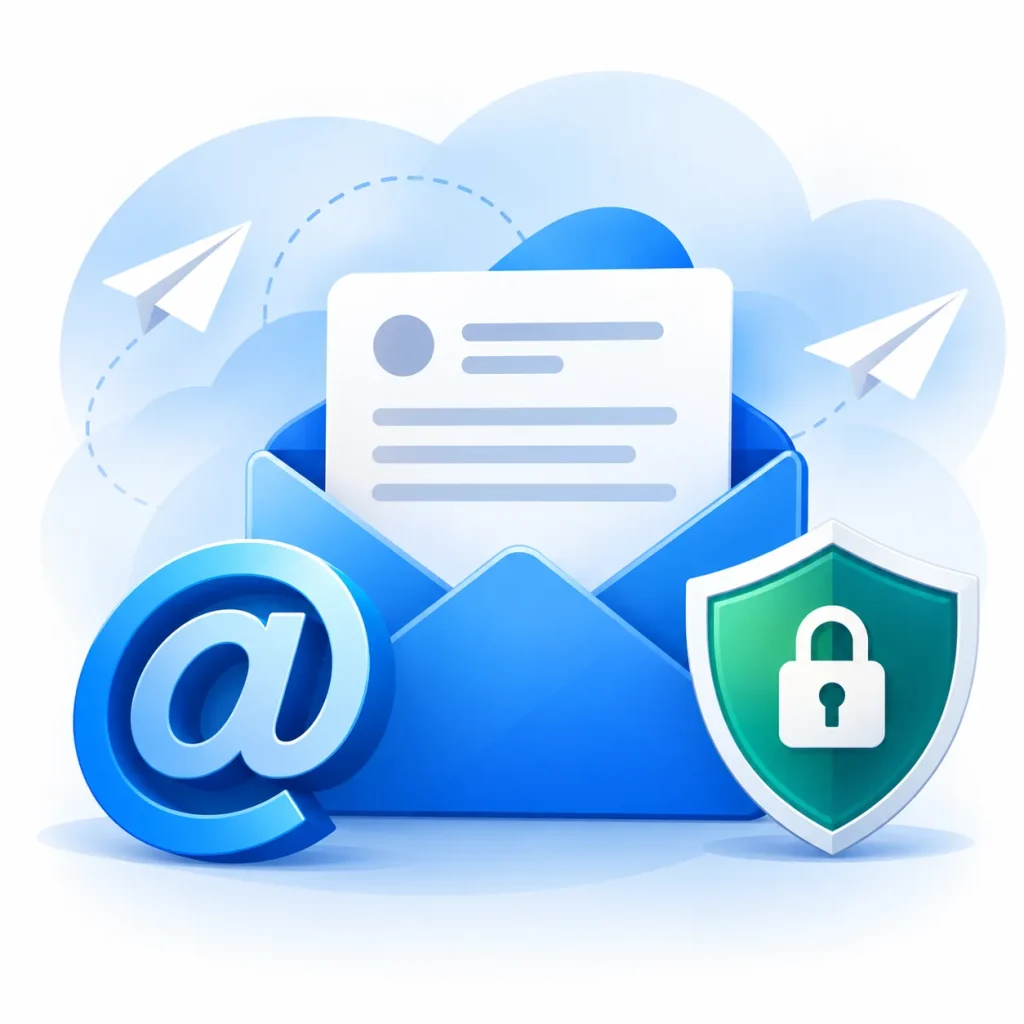
Open envelope with a message, an at symbol and a security shield with padlock, illustrating professional email setup and deliverability for NDIS providers

Referrals arrive by email

Why Email Matters More for NDIS Providers Than Most Businesses

Almost every NDIS referral arrives by email. A support coordinator sends a participant’s details and a service request, a plan manager sends a service agreement to sign, a family replies to your quote. If any of that lands in a junk folder, or if your reply lands in theirs, the referral goes to the next provider on the list and no one tells you why.

A gmail.com or bigpond address makes it worse. Coordinators are sending personal information about a participant, and they notice when it is going to a free mailbox. A provider at intake@yourprovider.com.au looks like an organisation. A provider at a hotmail address looks like a risk.

We have set up and repaired business email since 2011, and most of the deliverability problems we fix for NDIS providers come down to three missing DNS records. Setting them up properly takes an afternoon. Leaving them missing costs referrals every week.

Get a Free Quote View Our Work

20+

Full time in-house developers

2011

Building websites for 15+ years

1000+

Websites successfully launched

4.8/5

From 96 Google reviews

What’s included

What Our NDIS Email Setup Includes

Setup, migration and the records that keep your mail out of spam, done once and done properly.

Email on your own domain

Google Workspace or Microsoft 365, whichever fits how your team works. Every mailbox configured on desktop, phone and webmail, with signatures that match your branding.

Shared mailboxes for intake and referrals

intake@, referrals@, careers@ and accounts@ set up as shared mailboxes with proper delegation, so a referral is seen by whoever is on that day, not stuck in one person’s inbox while they are on leave.

SPF, DKIM and DMARC configured

The three DNS records that tell Gmail and Outlook your mail is genuine. Missing or wrong on most small provider domains, and the usual reason mail goes to spam. We set them, test them and show you the result.

Migration with nothing lost

Moving from cPanel webmail, an old host or a personal Gmail to Workspace or 365. Every message, folder, contact and calendar comes across, and the switch happens outside business hours.

Security that suits participant data

Two-factor authentication on every account, phishing filters tuned, and access removed the same day a staff member leaves. Referral emails contain personal information, and this is the minimum standard for holding it.

Ongoing management

Included with our hosting plan from $330 a year: new mailboxes when staff join, removal when they leave, DNS changes, and a person on the phone when email stops working.

Why Your Referrals Are Going to Spam

It is usually not the words in the email

Gmail and Outlook decide whether to trust a message before they read it. They check whether your domain publishes valid SPF, DKIM and DMARC records. Miss one, or copy an old value from a guide, and your quotes and service agreements quietly go to junk.

Free mailboxes have the same problem in reverse

When you send from a gmail.com address, you cannot publish those records at all. Coordinators’ organisations increasingly filter mail from free domains, and there is nothing you can do about it from inside Gmail.

The fix is a handful of records

We audit the domain, set the records correctly, and prove the result with deliverability tests before and after. If we cannot show the improvement, you do not pay for the fix.

Envelope passing through a security shield into an inbox with three checks, illustrating SPF, DKIM and DMARC records that keep NDIS referral emails out of spam

How the Setup Works

01

We look at what you have

Domain, current email provider, number of staff, whether you are on Google or Microsoft elsewhere. Fifteen minutes on the phone.

02

We recommend Workspace or 365

Microsoft if your team lives in Word, Excel and Teams. Google if they live in Gmail and Drive. Either way, licences are billed to you directly.

03

Setup and records

Mailboxes, shared boxes, signatures and devices configured. SPF, DKIM and DMARC published and tested.

04

Migration, if you have old mail

Everything moved after hours. Your team keeps sending and receiving during the move.

05

Handover

A short walkthrough for staff, written notes for whoever manages it, and our number for when something changes.

Ready?

Get your NDIS email set up properly

Tell us your domain and how many staff need a mailbox. We come back with a recommendation and a fixed price, usually within one business day.

Set Up My Email

NDIS Email Questions Answered

Have a question we have not covered? Get in touch and we will answer it, quote or no quote.

Get in touch
Google Workspace or Microsoft 365 for an NDIS provider?

Both work. Microsoft 365 suits teams that already use Word, Excel and Teams, and it includes SharePoint for storing service agreements. Google Workspace suits teams that live in Gmail and Google Drive. We set up either, and we tell you which we would pick after a short conversation about how your team works.

Can you move our old emails across?

Yes. Historical mail, folders, contacts and calendars all come across, and the switch is scheduled outside business hours so nobody loses access during the day.

Our emails are going to spam right now. How fast can you fix it?

Usually the same day. Most cases are missing or incorrect SPF, DKIM and DMARC records, which we can audit, correct and verify within hours.

Can we have a shared referrals mailbox?

Yes, and you should. A shared referrals@ or intake@ mailbox means a coordinator’s email is seen by whoever is on duty, and nothing sits unread in a personal inbox while someone is on leave.

Do you also register domains?

Yes. New .com.au and .au registrations, and transfers away from providers who make leaving difficult. The domain is always registered in your name, not ours.

Is professional email included when Uniweb builds our website?

Domain and DNS setup is part of every build, and email setup can be added. Most providers take it with the Professional website package so the site, domain and email are done together by one team.

Related NDIS services

One Team for the Whole Job

Every NDIS service we offer is delivered in-house by the same Sydney team, so nothing points fingers at anything else. Every page below is one click away.

Further reading: AI tools that improve NDIS client communication  ·  Must-have website features for NDIS providers

Next step

Get your NDIS email set up properly

Tell us your domain and how many staff need a mailbox. We come back with a recommendation and a fixed price, usually within one business day.

  • No lock-in contracts. Month to month, and you own everything.
  • Published prices. No quote-after-a-call.
  • A Sydney team of 20+ since 2011, on the phone when you need us.

Talk to a person

02 8003 7308 Chat on WhatsApp info@uniwebau.com 69 Marion St, Harris Park NSW 2150 Set Up My Email